
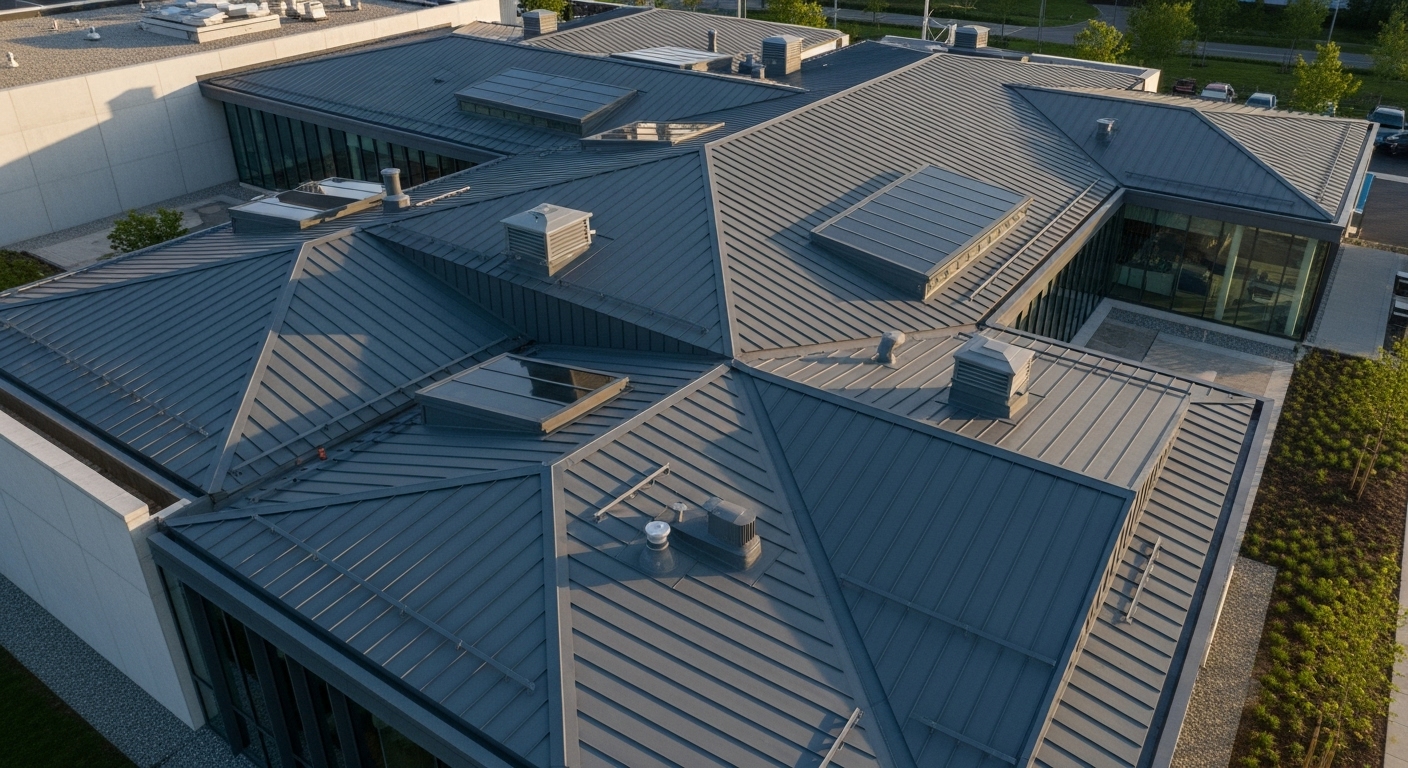
This question keeps floating around, usually after someone upgrades a roof and suddenly the internet feels moody. Pages take longer, video buffers once too often, and the metal overhead becomes the suspect. It sounds logical, metal blocks signals, right. The answer though is less dramatic, and more technical, with a few quiet caveats people rarely talk about.
A metal roof can affect WiFi, yes, but not in the blunt way most assume. It does not automatically kill your signal or turn your house into a digital bunker. The effect depends on placement, materials under the roof, and how WiFi behaves inside buildings, which is already messy by nature.
How WiFi signals actually move inside a house
WiFi uses radio waves, usually in the 2.4 GHz or 5 GHz range. These waves spread outward from the router, bounce, weaken, reflect, and sometimes vanish into frustration. Walls absorb part of the signal. Floors do the same. Large appliances interfere. Even people moving around affect signal quality slightly.
Our day-to-day lives increasingly depend on wireless connectivity for education, work, and play. Understanding the differences in available Wi-Fi bands across 2.4 GHz, 5 GHz, and 6 GHz can help you get the best speed, distance, and coverage for the wireless devices you use every day.
https://www.intel.com/content/www/us/en/products/docs/wireless/2-4-vs-5ghz.html
WiFi was never clean or elegant. It works despite chaos, not because conditions are perfect.
A roof is rarely the main path WiFi takes. Signals move horizontally through rooms far more than vertically upward. That detail alone changes how much a metal roof matters.
What metal does to radio signals, in plain terms
Metal reflects radio waves. It does not politely let them pass through. In controlled settings, metal surfaces can act like mirrors for wireless signals. This is why elevators, shipping containers, and steel sheds often have poor reception.
But a residential metal roof is not one flat sheet floating in space. It sits above layers of wood decking, insulation, air gaps, drywall, and framing. Those layers already absorb and scatter signal energy before metal ever enters the picture.
So while metal has shielding properties, the roof assembly dilutes its effect.
Why most indoor WiFi problems are not caused by the roof
If your router sits on a desk, shelf, or cabinet, its signal spreads sideways. It reaches bedrooms, living areas, and hallways long before it worries about the roof. By the time the signal travels upward through ceilings and insulation, it is already weakened.
In single story homes, WiFi rarely needs to pass through the roof to function. In two story homes, the roof is even further removed from the main signal paths.
This is why many homes with metal roofs experience zero noticeable WiFi change at all. The roof simply is not in the way.
Situations where a metal roof can actually matter
There are scenarios where the roof becomes relevant. They are just more specific than people expect.
If the WiFi router is located in an attic or near the ceiling, signal paths change. If the home relies on outdoor WiFi access points or wants strong backyard coverage, metal roofing can reflect signal back inward, reducing exterior range.
Detached garages with metal roofs often show this clearly. WiFi from the house struggles to reach inside, not because of distance alone, but because metal interrupts the path.
Also, homes with radiant barriers under the roof can see more interference. These barriers often include aluminum foil layers, which are excellent at reflecting radio waves. In these cases, the barrier sometimes plays a bigger role than the roof panels above it.
Data points from real world testing
Independent signal testing in residential settings has shown that metal roofing can reduce signal strength passing upward by roughly 10 to 20 dB compared to asphalt roofs, when measured directly through the roof assembly. That sounds serious, but context matters.
A 10 dB loss means the signal is weaker, not gone. WiFi typically tolerates far more loss moving through walls and floors every day. Drywall can reduce signal by 3 to 5 dB per wall. Brick can exceed 10 dB. Concrete goes higher.
So the metal roof effect sits in the same neighborhood as common building materials, not in a special category of doom.
Why some people notice issues right after installing metal roofing
Timing plays tricks on perception. When a roof is replaced, attic insulation may be upgraded. Radiant barriers might be added. Router locations might shift during construction. Even electrical interference can change slightly if grounding systems are modified.
The roof gets blamed because it is new and shiny. Often, the real cause sits somewhere else, quietly.
Ways to prevent or fix WiFi issues in metal roof homes
Most solutions are simple, even boring.
Placing the router centrally and away from ceilings helps. Using mesh WiFi systems spreads signal through multiple access points instead of forcing one router to do everything. Hardwiring access points with Ethernet bypasses wireless obstacles entirely.
For outdoor coverage, exterior rated access points mounted under eaves or on walls work far better than trying to push signal through roofing materials.
None of these require removing or changing the roof. The roof just exists, doing roof things.
Final thoughts
A metal roof can affect WiFi, but usually does not. When it does, the impact is limited and manageable. Most WiFi problems blamed on metal roofs would still exist under asphalt shingles, just with a different villain.
Wireless signals are fragile, imperfect, and sometimes annoying. Roof materials are only one small piece of that puzzle. Understanding how WiFi actually behaves saves more frustration than blaming the metal above your head ever will.
